Credits and usage
What one credit means
One credit covers one participant response. holito reserves it when the participant starts and uses it when their conversation completes with enough usable back-and-forth.
If the conversation ends too early to count as a usable response, or the participant disconnects abnormally, the reserved credit is returned. A single participant response never uses more than one credit.
Credits belong to the organisation, not an individual workspace. Everyone in the organisation uses the same balance across all of its workspaces.
Read the balance
The account area at the bottom of the navigation shows the available balance for the active organisation. You can also find it under Settings > Organization.
- Available credits can be used for new eligible work.
- Reserved credits are already set aside for work in progress and are not part of the available balance.
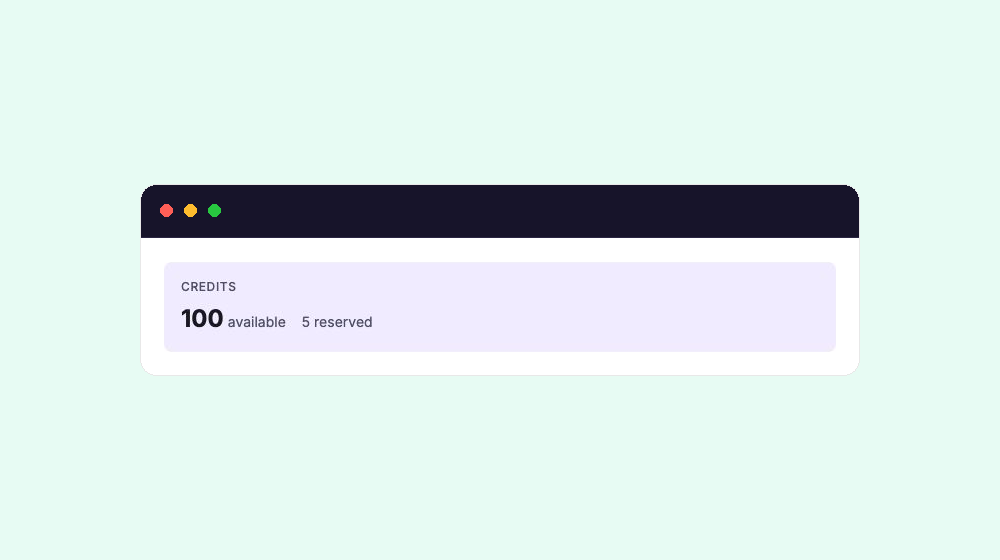
Switching workspaces leaves the balance unchanged. Switching organisations shows that organisation’s balance.
Budget for a conversation
Each completed participant response can use one credit. For example, a conversation capped at 50 responses can use up to 50 credits.
Before inviting a large audience:
- Check the active organisation and its available balance.
- Set the conversation’s maximum responses to the most you want to collect. Leaving the limit empty means responses, and therefore possible credit use, are uncapped.
- Ask an owner or admin to review Billing if the available balance is lower than the number of responses you need.
When no credits are available
When the organisation has no available credits, a new participant cannot start the conversation. The conversation owner sees No credits left with a link to Billing; people using the public link see only that the conversation is unavailable.
Existing conversations, responses, and content remain available according to your role and plan. If the balance looks wrong, first confirm the active organisation and check whether credits are currently reserved by active conversations. If it still looks wrong, contact holito support with the organisation name and the conversation affected.
See Plans and feature availability for plan-level access and billing permissions.