Use holito recipes
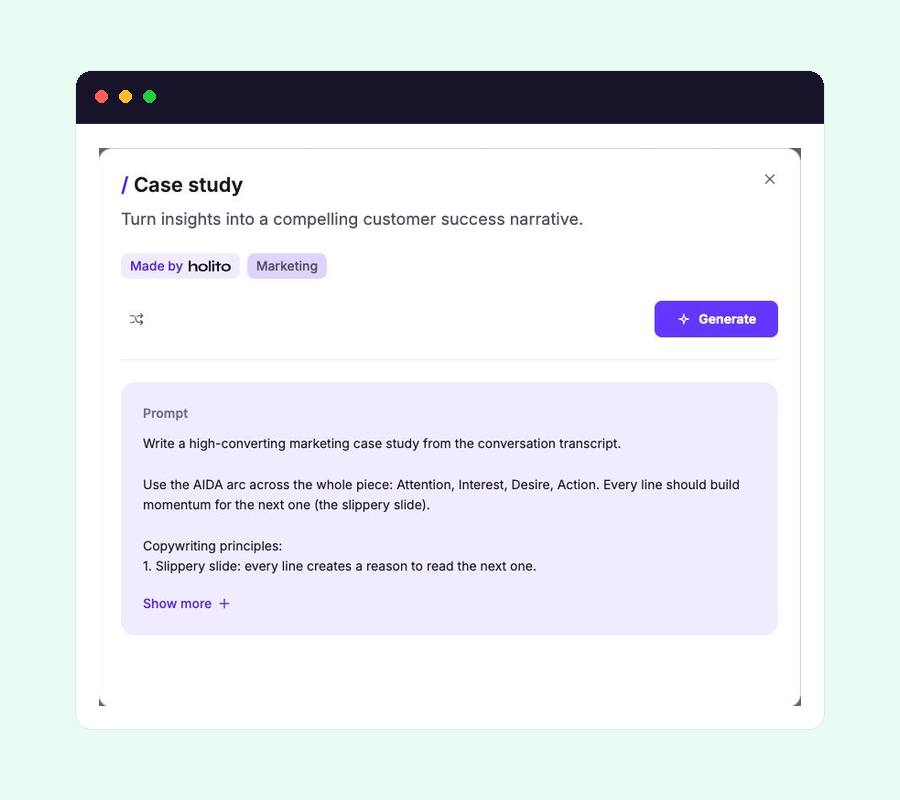
Recipes marked Made by holito are ready-made instructions for common content jobs. They use the completed response you opened as their source.
Choose the result you need
Open a recipe and read both its description and prompt. Choose it when the intended audience, purpose, and structure match the content you need.
Do not choose only by the format in its title. Two outputs that look similar may emphasize different evidence or lead the reader towards different actions.
Generate from the right response
- Open the completed response that contains the evidence you want to use.
- Select Create and open the holito recipe that fits the intended result.
- Check or add the participant details if the output will identify them.
- Select Generate.
You can use several recipes with the same response. Each recipe keeps its own result, so creating one type of content does not remove another.
Review before copying
Read the result alongside the recording or transcript. Check:
- Quotes against their full context.
- Names, roles, companies, dates, and figures.
- Claims about results or causation.
- Whether the conclusion reflects what the participant actually meant.
Select Copy only after those checks. Complete any consent or approval process your organisation requires before publishing participant material.
Regenerate carefully
Copy the current version elsewhere first if you may need it again, then use Regenerate to create a new version from the same response and recipe.
A new version can change wording and emphasis, but it cannot supply evidence missing from the conversation. Remix the recipe when you need a repeatable change to the audience, structure, or content rules.