Review responses and create content
Start with the original response, then move from evidence to insight and finally to content. This keeps quotes, conclusions, and generated drafts grounded in what participants actually said.
Choose the right view
Open the conversation and choose the scope that matches your goal:
- Select an individual response when you need one person’s story, exact wording, or a piece of content about that participant.
- Select All Responses when you want to understand the themes and differences across everyone who completed the conversation. This view is available once there are at least two completed responses.
Review the source
Read or listen to the response before relying on a summary or creating content from it. Pay particular attention to the context around important quotes, specific claims, and anything that could change meaning when shortened.
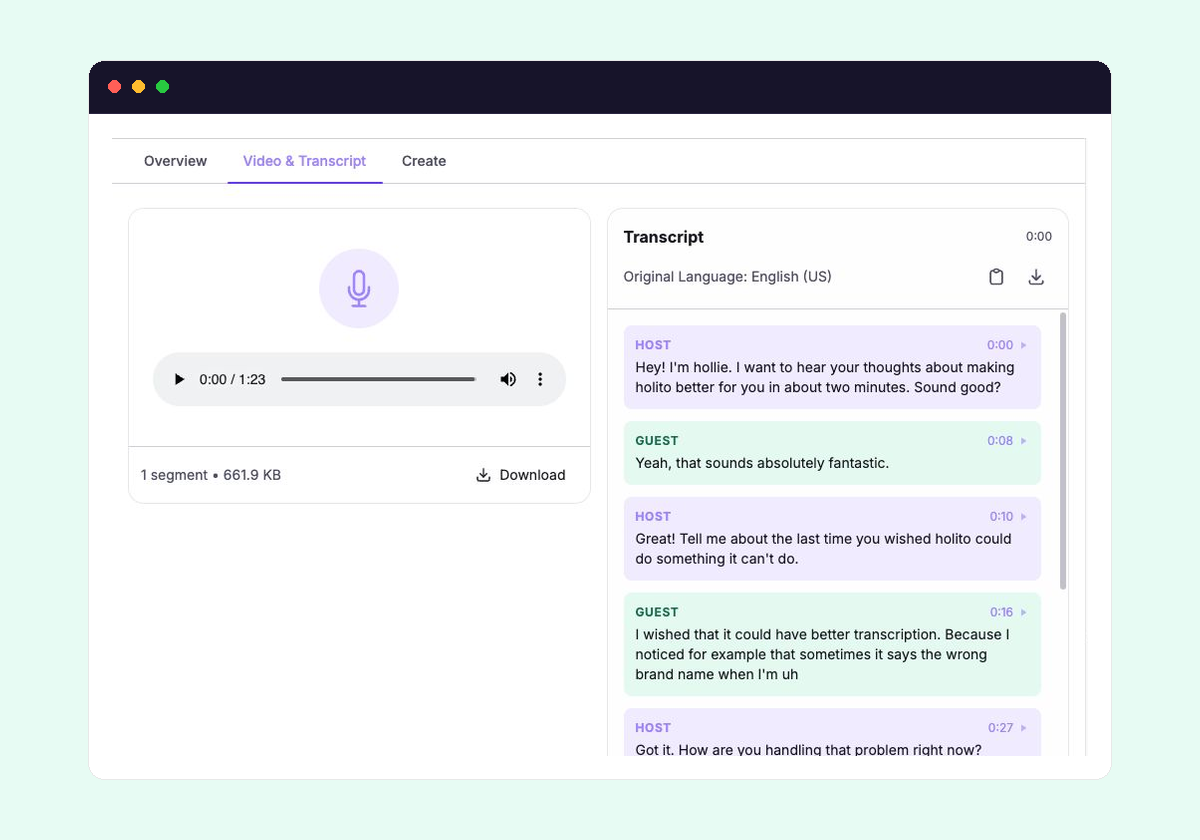
Use the responses and transcripts reference when you need help finding, checking, or exporting the original evidence.
Read the generated report
Reports help identify what deserves closer inspection. An individual report focuses on one response, including how sentiment changed through that conversation.
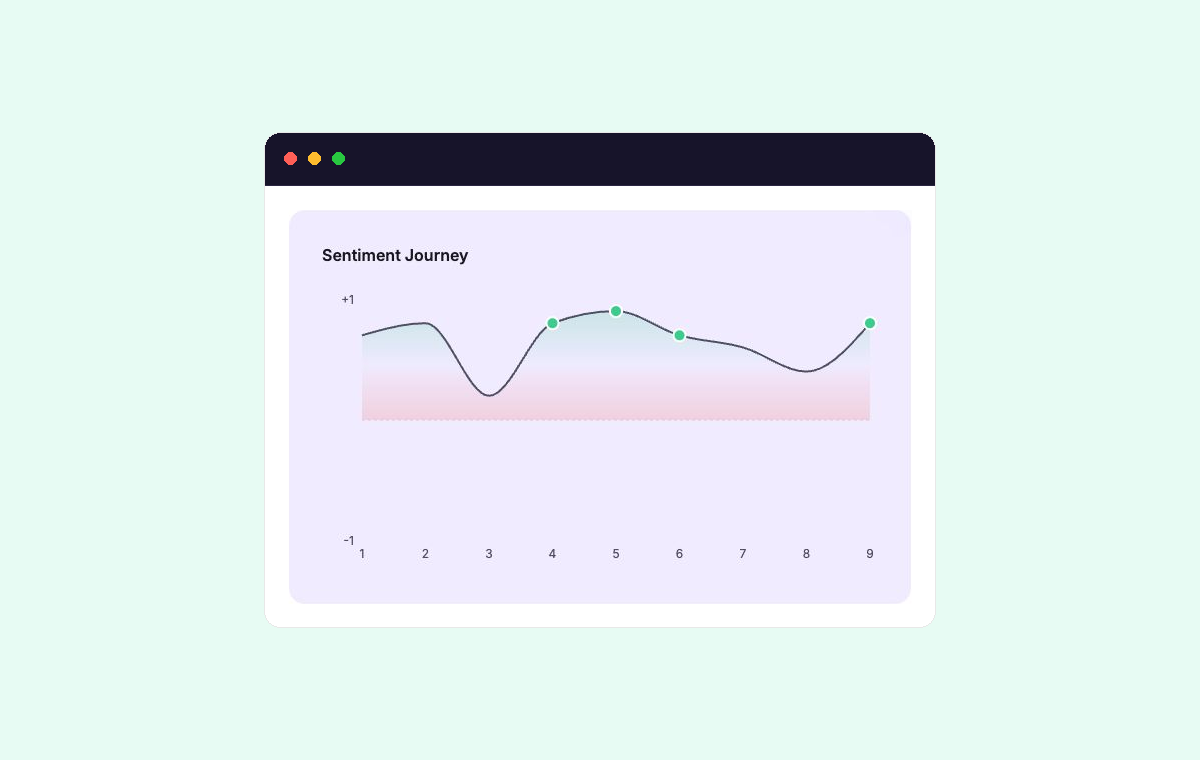
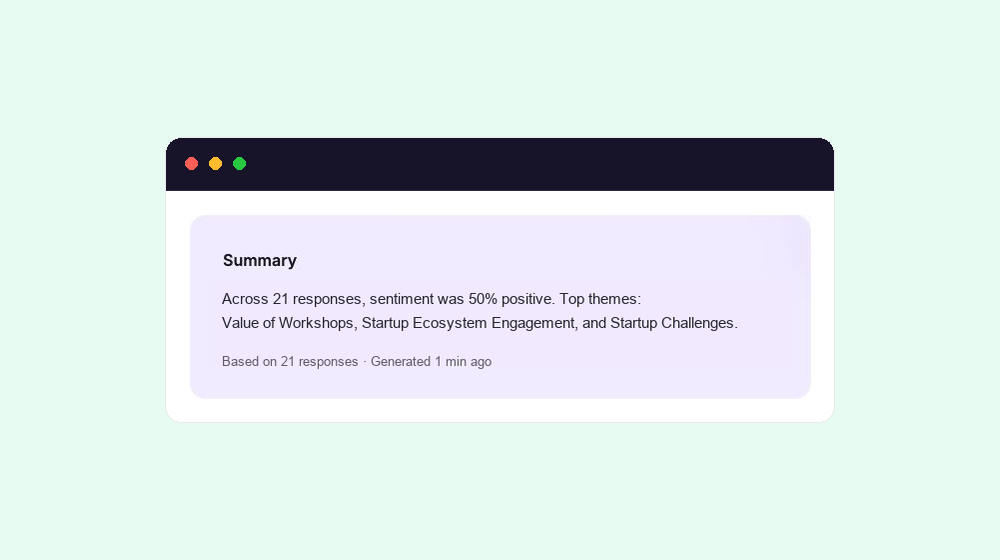
Switch to All Responses when you need broader patterns across the completed set. The summary makes its scope clear by showing how many responses it includes.
Use the report to identify the findings, themes, quotes, and actions worth carrying forward. Before using a quote or strong conclusion, check it against the original response.
Learn how to interpret both views in Generated reports.
Explore with Ask hollie
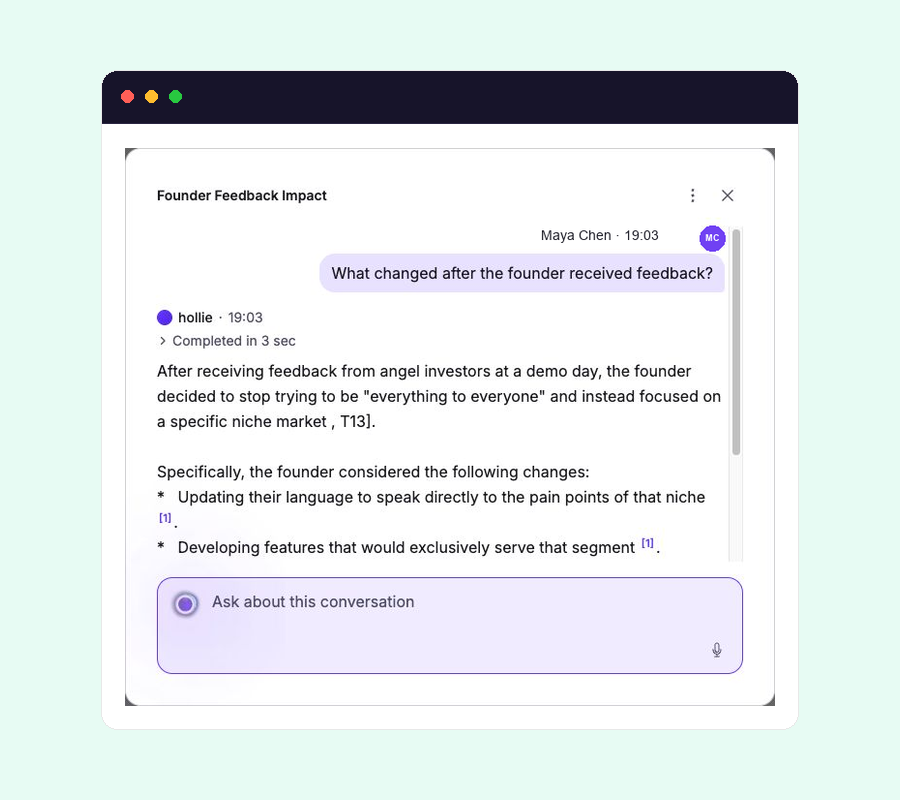
Use Ask hollie when the report does not answer a specific question, or when you want to explore a topic across the responses. Keep the scope in mind: ask from an individual response for that participant’s perspective, or from All Responses to compare the wider set.
Check the cited source before relying on an answer, especially when wording or context matters. See Ask hollie for effective questions and how citations work.
Create the output
Once you understand the evidence, move to Create on an individual response and choose a recipe that matches the output you need. The Create content reference explains holito recipes, your own recipes, and the available output types.
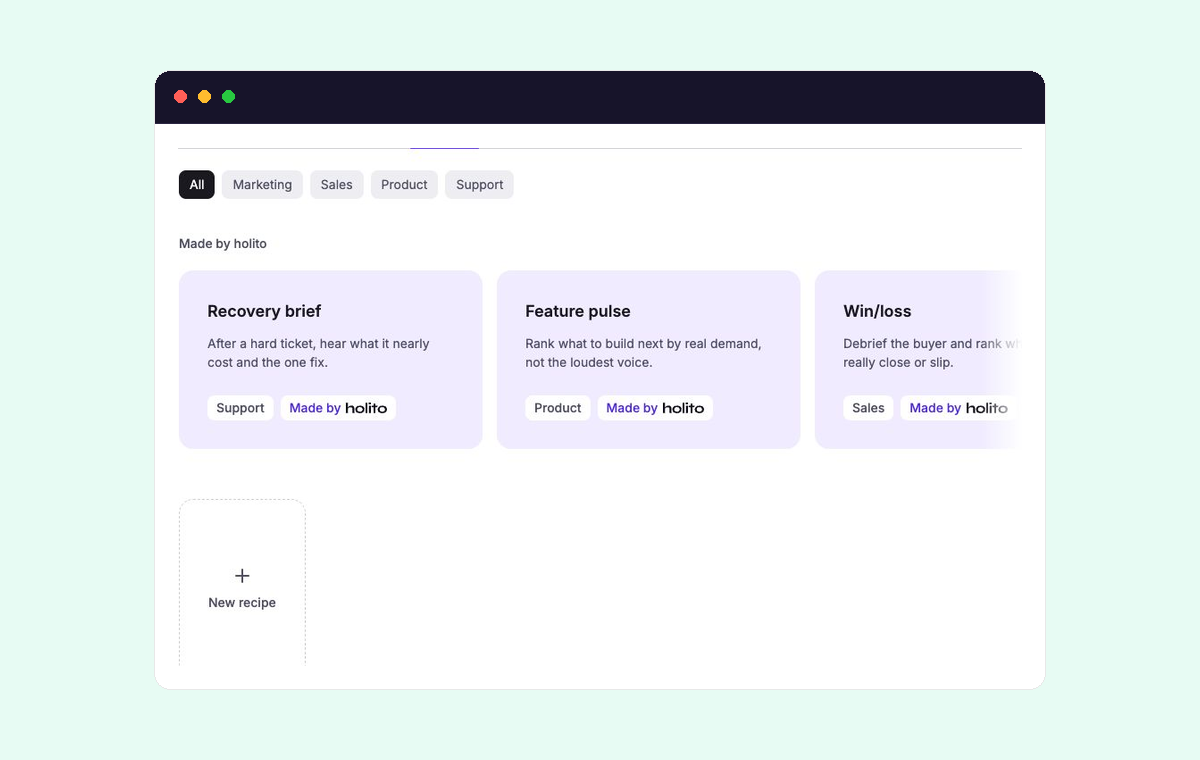
holito can shape the response into useful content, but you remain responsible for checking quotes, names, claims, and whether the participant is represented fairly.
Before sharing it:
- Check quotes, names, facts, and conclusions against the response.
- Remove anything the source does not support.
- Adjust the language for the audience and channel where it will appear.
- Confirm that the participant’s contribution is represented fairly.