Manage connections
Manage a connection when its owner changes, it needs fresh authorization, or the linked workflow should stop using the external account.
Check the account and organisation
Before changing a connection, confirm both the external account shown and the active holito organisation. Connections made for one organisation are not automatically available in another.
Ownership depends on the connection:
- A calendar connection belongs to the member who authorized that host calendar. Teammates can use an available host calendar in a Calendar block, but they cannot reconnect the account for its owner.
- An AI tool is authorized through the holito account that approved it. Its access follows that account’s organisation memberships.
Use the connection’s own reference for any different ownership rule. Do not rely on a personal external account for a team workflow unless that person will remain responsible for its access.
Find the connection controls
Open the relevant connection area in Settings. For example, calendar accounts are under Calendars.
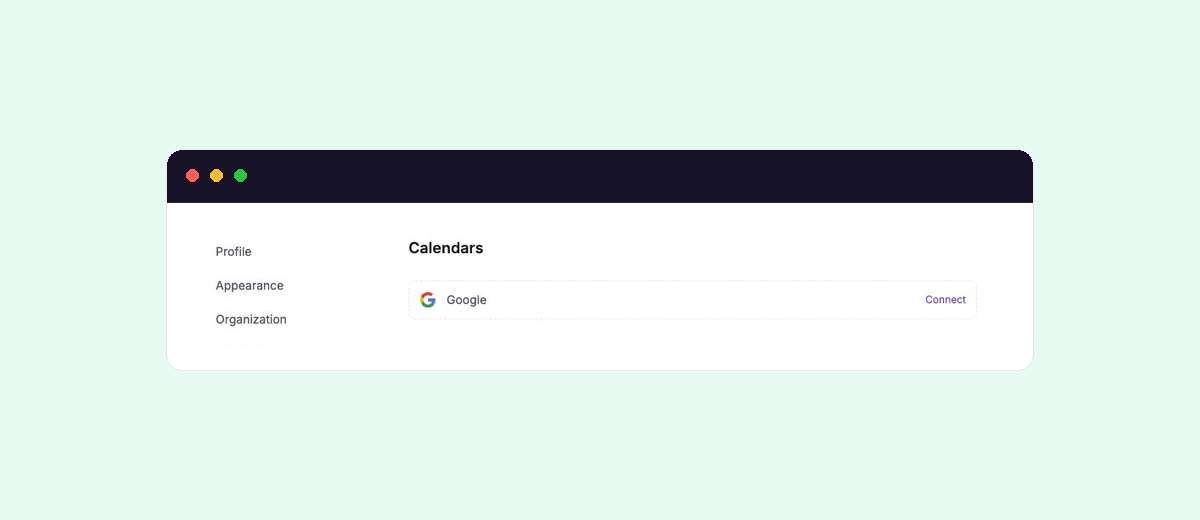
A connection with a Disconnect action is ready to use. A connection with Reconnect needs fresh authorization before the linked feature can rely on it.
Reconnecting restores authorization. It does not recreate conversations or other holito content.
If an expected connection is not shown, first check the active organisation and the holito account you are signed in with.
Reconnect or switch an account
Select Reconnect, sign in to the external service and review the requested access again. Confirm the account identity after returning to holito.
To replace a connected account:
- Check which live conversations or workflows use the current account.
- Select Disconnect for the current connection.
- Select Reconnect and choose the replacement account during authorization.
- Return to each affected workflow and confirm that it uses the intended connection.
If the external service automatically chooses the wrong signed-in account, change the account during its authorization step before approving access.
Understand what disconnecting affects
Disconnecting stops future use of the external account but does not undo completed work. Calendar blocks cannot check availability or create bookings until access is restored, while existing meetings remain. Removing holito from an AI tool stops new requests without deleting content already stored in holito.
Review Calendar connections or AI tools and MCP before disconnecting a connection used by an active workflow.