holito help centre
holito replaces the form with a conversation. You decide what you need to learn, then hollie speaks with people, follows the useful parts of each answer, and brings the evidence back to your team.
Use this help centre in two ways: follow a Guide when you want to complete a workflow, or open Feature Reference when you need to understand one part of holito.
What holito does
holito helps teams collect detailed stories, feedback, and first-hand evidence without running every conversation themselves.
- Build a conversation around an outcome, such as understanding why customers bought or capturing a success story.
- Share it directly, embed it at the right moment, or invite a known audience with automated follow-up.
- Let hollie ask relevant follow-up questions instead of moving through a fixed questionnaire.
- Review the recording and transcript, find patterns, and create useful content from what people said.
What holito is not
holito is not a traditional survey or a collection of fields. A conversation can have structure, but hollie listens and adapts when an answer deserves more attention.
It is also not a replacement for your judgement. Reports and generated content stay connected to the original response so your team can verify names, quotes, claims, and context before using them.
Ways to use holito
- Customer stories: capture the problem, decision, experience, and result in the customer’s own words.
- Product discovery: explore why something is difficult, what people currently do, and what they need next.
- Experience feedback: talk to people after onboarding, a purchase, a project, or a support interaction.
- Campaign research: hear from a larger group, then compare responses and find recurring themes.
- Content creation: turn a useful response into a draft, then check it against the source before sharing it.
Follow the core workflow
- Set up your workspace so hollie understands the right brand and context.
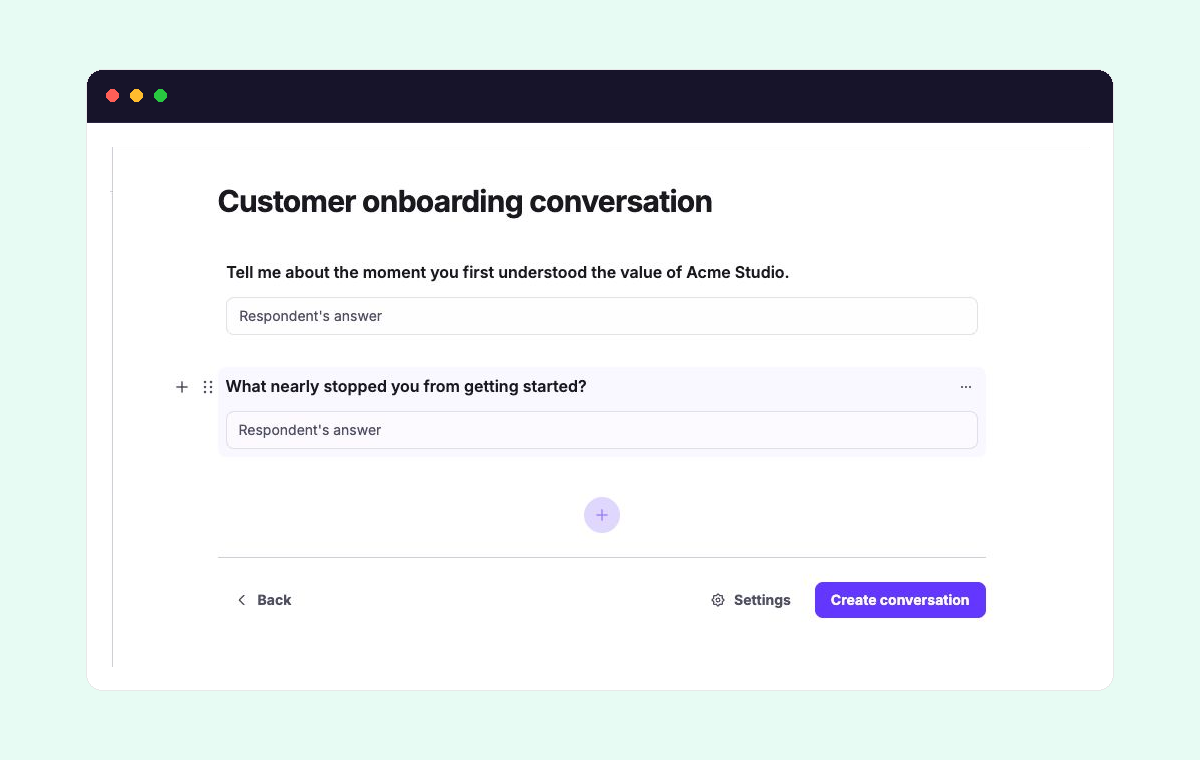
- Create your first conversation around one clear outcome.
- Share and invite people through a link, automated outreach, or an embed.
- Review responses and create content from the evidence people provide.
When you are ready to extend that workflow, automate outreach and invitations or connect holito to your tools.
Look up a feature
- Conversations: the Conversation Builder, blocks, and conversation settings
- Outreach: links, embeds, automation, participants, and statuses
- Responses: recordings, transcripts, generated reports, and Ask hollie
- Create content: holito recipes, remixes, and your own reusable recipes
- Workspace and account: organisations, workspaces, members, plans, and credits
- Connections: connect and manage external tools