Connections
Connections let holito complete work around a conversation, such as arranging a follow-up or letting an approved AI assistant work with your campaigns and responses.
Choose the connection
Choose the connection that matches the job:
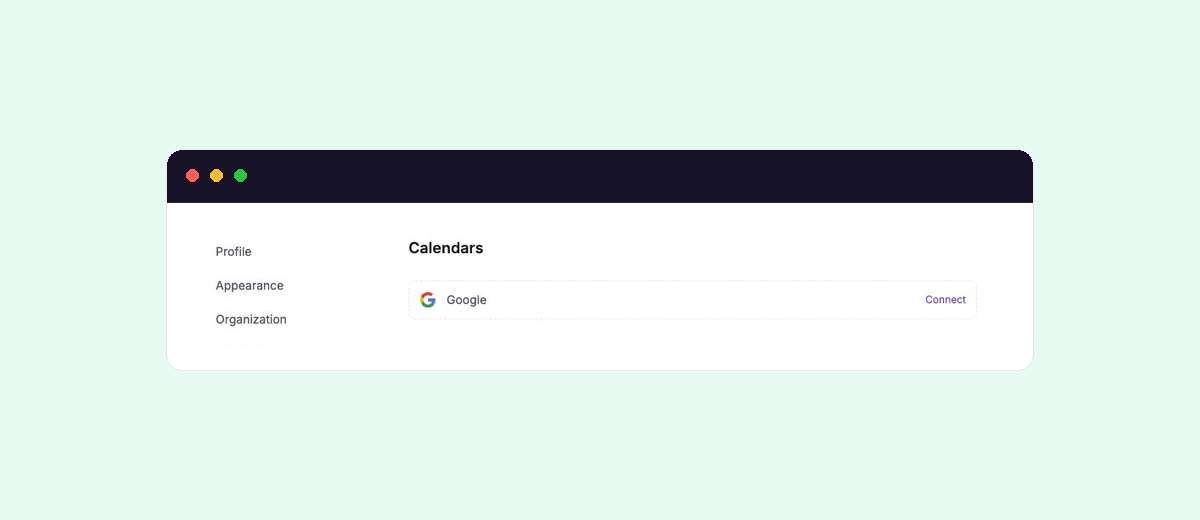
- Calendar connections let a participant arrange a meeting on the host’s Google Calendar through a Calendar block.
- AI tools and MCP let an authorized assistant work with the holito organisations and workspaces available to your account.
- Manage connections explains how to reconnect, replace, or disconnect an account safely.
The connections shown in holito are the source for what is currently available to your organisation.
Review access before connecting
Use an external account that is appropriate for the organisation and workflow. Before approving access, check:
- Which account is signed in to the external service.
- Which holito organisation will use the connection.
- What the external service says holito can access or change.
- Whether an administrator must approve connected applications.
- Who will be responsible for reconnecting the account if its authorization expires.
Some connections belong to the person who authorizes them. Others may be used more widely inside the organisation. The reference for each connection explains its ownership and where it becomes available.
Use the connection through a feature
Connecting an account does not add it to every conversation automatically. Select it where the workflow needs it.
A calendar connection becomes useful after you select it in a Calendar block. An AI tool uses the organisations and workspaces available to the holito account that authorized it.