Share links
A share link lets you distribute a conversation yourself. Everyone uses the same link, while holito keeps each person’s response separate.
Use the share link
Open the conversation, select Invite people, then copy Share link into the message or channel you already use with your audience.
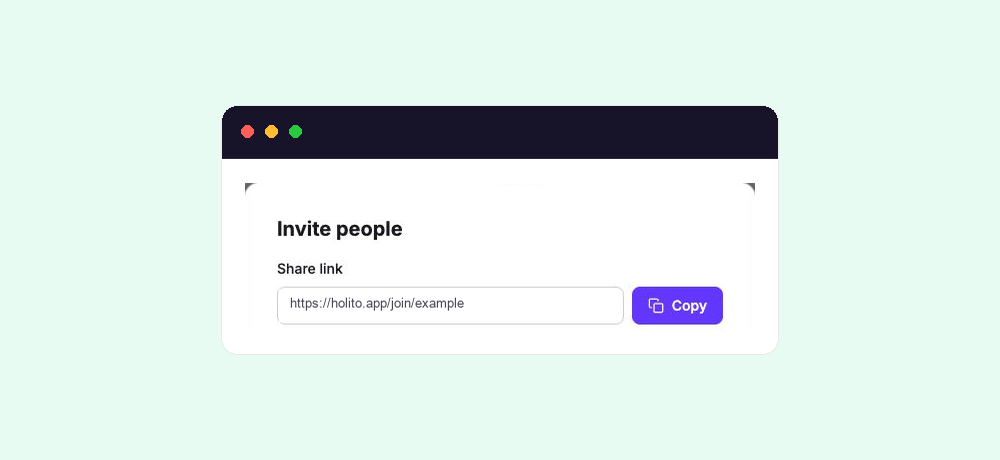
Anyone who receives the link can open the conversation. Use it for an open audience or when you already manage distribution elsewhere. For a named audience that needs reminders and individual progress tracking, use an automation sequence.
What happens when someone opens it
The conversation opens in the participant’s browser. The conversation settings determine when holito asks for their details and whether the conversation uses voice or video.
Using a share link does not create an invitation record or send follow-ups. A person appears in the response list after they begin responding.
The same link can collect multiple responses until the conversation closes, reaches its response limit, or is otherwise no longer accepting responses.
Share it responsibly
Treat the link according to the audience you intended. Do not post it publicly when the conversation is meant for selected customers, employees, or research participants.
Tell people why you are inviting them, how their response will be used, and whether you may publish their words or recording. See Share and invite people for help preparing the invitation.
If the link is unavailable
Check that the conversation is accepting responses and that its opening and closing dates are correct. If the response limit has been reached, change the limit before asking the person to try again.